 PARDESCO
Fractal Generator
A free fractal generator that runs on your own graphics card. Explore the Mandelbrot and Julia sets, draw a Koch snowflake or a Penrose tiling, fold any pattern through hyperbolic or wallpaper symmetry, then take it off the screen: a seamless video loop, a 300 DPI print, an SVG for the laser, or a heightmap for a CNC router.
What you can make with it
- Seamless loops Animate any setting through whole cycles and export an MP4 (or WebM) that loops with no jump, sized for Reels, square posts or 4K.
- Prints and wallpapers PNG up to 24 × 36 in at 300 DPI in smooth gradients or curated fine art palettes, phone and 5K wallpapers, and seamless repeating tiles from any of the 17 wallpaper groups.
- CNC and laser reliefs 16-bit heightmaps, laser-ready grayscale at your DPI, STL meshes and normal maps, with carving profiles and tool-size smoothing.
- Cut and plot files SVG contour lines, layered cuts for stacked-plywood reliefs, and exact tile outlines, sized in millimetres.
Start from a scene
Every scene below is a live state of the generator. Open one to zoom, edit and export it.
-
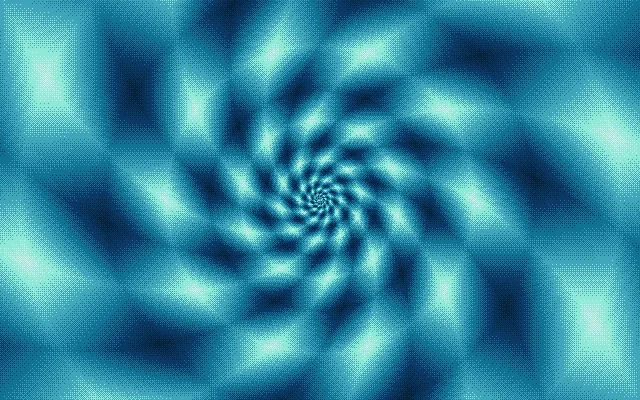 Spiral Lattice Diamond cells on a logarithmic spiral that zooms into itself forever.
-
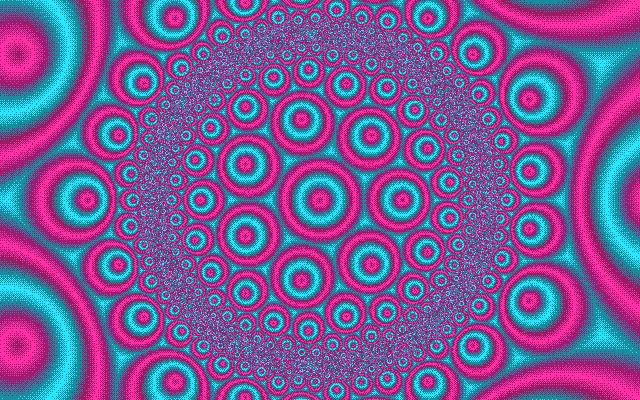 Hyperbolic Bloom Rings folded through a {7,3} hyperbolic tiling in the Poincaré disk.
-
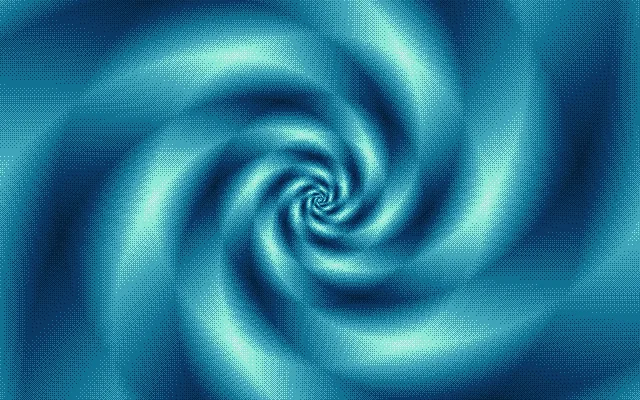 Diamond Drift A diamond distance field twisted by a complex power spiral.
-
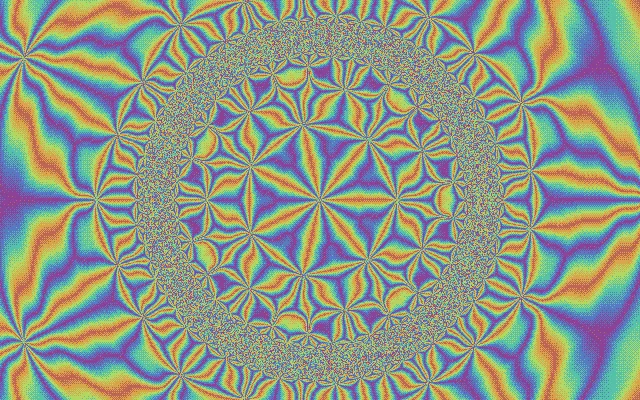 Ray Vortex Angular rays through a kaleidoscope and a vortex.
-
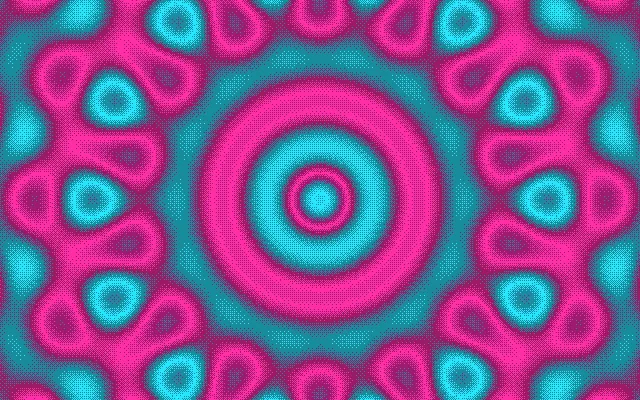 Interference Seven plane waves summed into a quasicrystal.
-
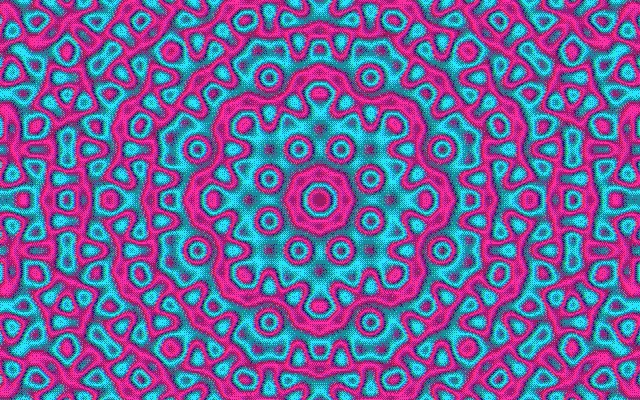 Star Weave De Bruijn’s multigrid with eight line families.
-
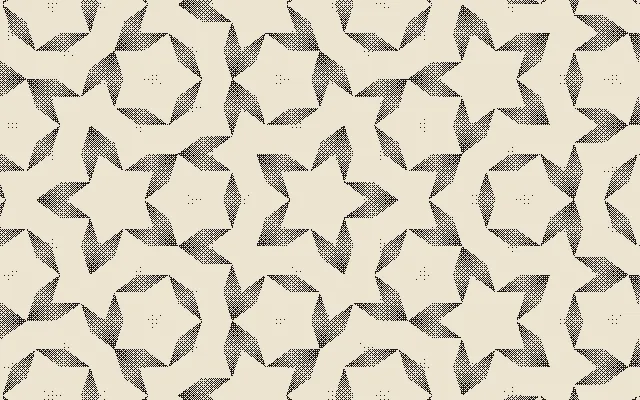 Penrose Ink Exact Penrose rhombi in a two-ink halftone.
-
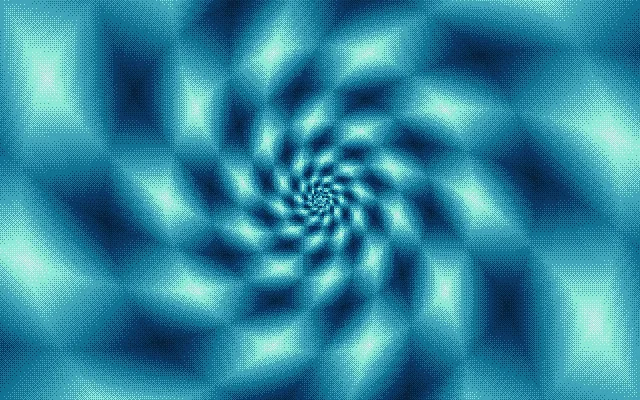 Pixel Drift The spiral lattice through an ordered-dither pixel filter.
-
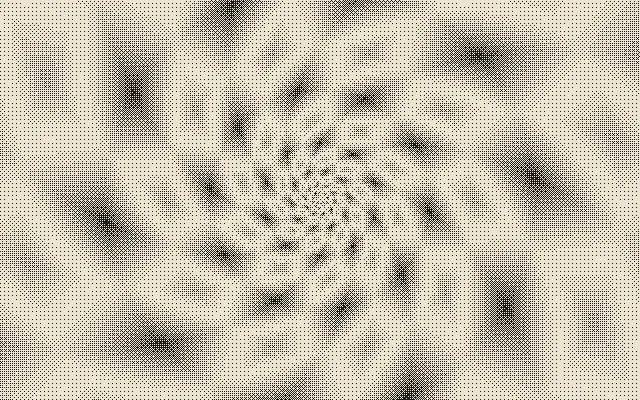 Ink Spiral The spiral in two inks with a crawling Bayer dither.
-
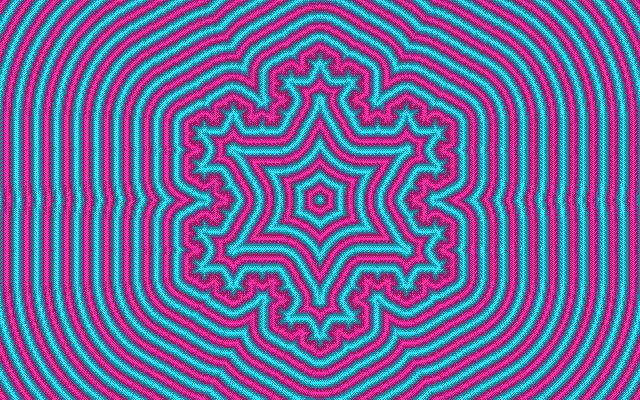 Koch Bloom Distance bands around a Koch snowflake.
-
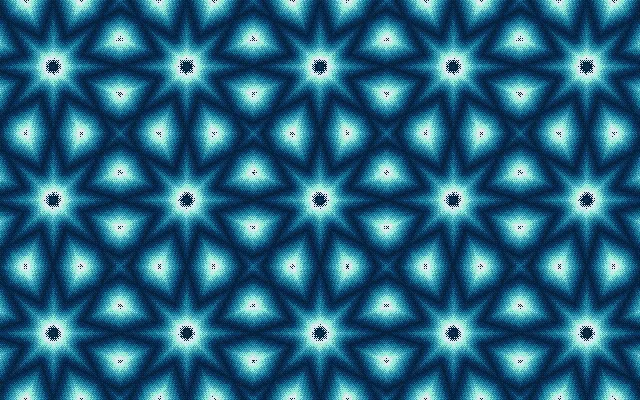 Girih Loom Eight-pointed Islamic stars by Hankin’s method.
-
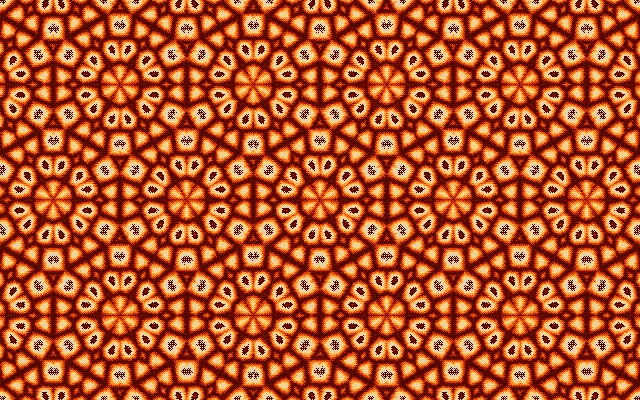 Wallpaper Weave Voronoi cells repeated by the p6m symmetry group, a seamless tile.
-
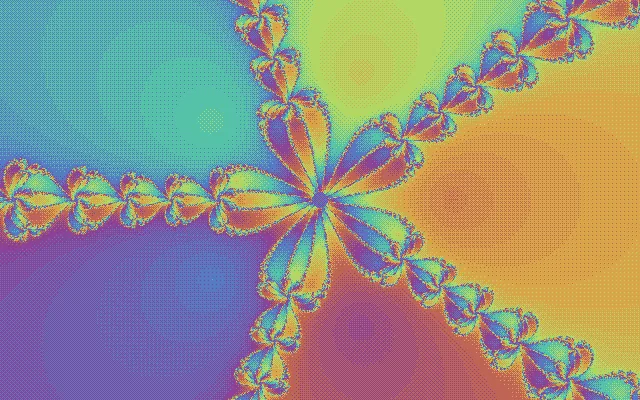 Newton Petals Newton’s method on z⁵ − 1: five basins with fractal borders.
How to use it
- Pick a starting point. Choose a scene from the strip at the bottom of the studio, or press Shuffle. Mutate varies the current scene’s settings, and the Style chip switches between smooth gradients, Fine Art palettes and a dithered pixel look.
- Move around. Drag to pan and scroll or pinch to zoom. The address bar updates as you go, so the link always reopens exactly what you see.
- Change the math. Press E or tap FX. Geometry picks the source (a fractal, a tiling field or a pattern); Operators stack transformations such as kaleidoscopes, spirals and symmetry groups; Color field and Finish control the palette and pixel look.
- Animate. In Motion, add tracks such as gradient flow or a rotating parameter. Every track completes whole cycles, so the loop is always seamless.
- Export. Save a PNG, a video loop, an SVG, a seamless tile or a relief. Undo and redo (Ctrl+Z) are there if an experiment goes wrong, and ♥ keeps a scene in your browser.
From pattern to carving: the relief export
Most fractal tools only give you a color image, and a color image is not a heightmap: the bright parts of a gradient are not the high parts of a surface. This generator builds the relief from the value each pattern computes before any color is applied, so bands, tiles and filaments become real ridges and valleys.
The profile decides how that value becomes height. Triangle gives rounded ridges with no vertical walls, which suits ball-nose bits. Cosine is softer still, good for lithophanes and 3D laser engraving. Terraces steps the surface for V-carving or stacked layers, and Raw keeps the full continuous range, which turns the Mandelbrot set into a plateau with standing filaments. Set the tool diameter and the heightmap is smoothed to what that bit can reach. Turn on Preview relief to see the surface lit from the side before you export. STL meshes have their own detail setting, up to 2400 vertices across, and the panel shows the mesh and file size before you download.
For a worked example of fractal art carved in wood, read the CNC fractal wall art case study.
Frequently asked questions
Is the fractal generator free?
Yes. There is no account, no watermark and no limit on exports. Everything is drawn by your own graphics card, so there is nothing on a server to meter.
Does it upload my designs anywhere?
No. The whole scene lives in the page address after the # sign, which never reaches a server, and exports are built in your browser. Favorites are kept in your browser’s local storage.
How do I export a heightmap for CNC carving or 3D laser engraving?
Open the inspector (FX), go to Relief, pick a carving profile and set the physical width, resolution and tool diameter. Then download a 16-bit PNG for CNC software, an 8-bit PNG at your laser’s DPI, an STL mesh or a normal map. The height comes from the pattern’s underlying math, not from its colors, and the tool setting smooths away detail a bit of that size can’t reach.
Which software opens the exported files?
The 16-bit heightmap PNG imports into Vectric Aspire and VCarve, Carveco, Carbide Create and Fusion. The 8-bit PNG works with LightBurn’s 3D slicing and xTool’s grayscale engraving. The STL opens in any slicer or mesh-based CAM, and the SVG in LightBurn, Inkscape or Illustrator. PNGs carry their DPI, so they import at the size you set.
Can I cut the patterns on a laser?
Yes. Save SVG gives you contour lines for scoring or pen plotting, a layered cut with one closed layer per terrace for stacked-plywood reliefs, or exact tile outlines for Penrose, hyperbolic and wallpaper tilings. Files are sized in millimetres from the Relief width.
Are there fine art color palettes?
Yes. The Style chip in the studio switches between Smooth (continuous gradients, the default), Fine Art and Dithered. Fine Art recolors any scene in one of eight curated palettes, among them Indigo Woodblock, Gilded, Verdigris and Ink Wash, picked from a swatch list beside the chip. The same palettes are in the FX gradient menu, and a shared link keeps the exact colors.
How big can I print?
Up to 24 × 36 inches at 300 DPI (7200 × 10800 pixels), rendered in tiles and supersampled. Wallpaper-symmetry scenes can also be saved as seamless tiles that repeat with no visible seam.
Do the animations really loop without a jump?
Yes. Every animation track completes whole cycles, and the exported MP4 samples the last frame one step before the first, so the file loops cleanly on Instagram, TikTok or a website background.
Does it work on a phone?
Yes, in current Safari and Chrome. Pinch to zoom, drag to pan, and the FX button opens the controls as a sheet from the bottom of the screen. Large print and heightmap exports are faster on a computer.
Guides to the patterns
- Penrose Tiling, Explained Visually Two tiles, infinite non-repeating pattern. How P2 and P3 Penrose tilings work — with a live generator.
- Ordered Dithering: Bayer, Blue Noise, and IGN Bayer vs blue noise vs IGN — how a fixed threshold mask fakes shades. Live, side-by-side demo.
- Pixel-Art Filters Without Palette Lock-In Get the dithered, stepped pixel look while keeping your scene's real colors. The gradient-quantize trick, live.
- Julia Sets, Interactively: A Live Generator One formula, infinitely many worlds. Change the seed c in this live Julia set generator and watch the boundary reorganize.
- The Mandelbrot Set, Explained Visually What the Mandelbrot set is, why its boundary never runs out of detail, and how to explore it live.
- Cool Fractals: Mesmerizing Patterns to Explore Free Mesmerizing mathematical patterns to open, zoom, recolor, animate, and export free.
- What Are Fractals? A Visual Introduction Self-similarity, iteration, and fractal dimension explained with pictures, plus famous fractals you can open and zoom live.
- Fractal Art: When Algorithms Make Pictures How a formula, a transform stack, and a gradient become a finished fractal artwork, with live examples and print, loop, and relief export.
- Fractal Kaleidoscope: Mandalas From Infinite Detail Two mirrors and a fractal make a mandala. Set the symmetry, spin the chamber, and export a seamless loop.
- Koch Snowflake and Sierpinski Triangle Build the Koch snowflake and Sierpinski fractals one iteration at a time, then compare their perimeters, areas and dimensions.
- Newton Fractal: Roots, Basins and Boundaries Color the roots of z³ − 1 by their basins of attraction and change the degree or relaxation to see how the Newton fractal changes.
- Wallpaper Groups: All 17 Symmetries of a Pattern Compare all 17 wallpaper groups on one motif, then export a seamless tile for a repeating pattern.
- A Free Ultra Fractal Alternative in Your Browser Formula, stacked transforms, and an editable gradient, free in the browser. An honest comparison with Ultra Fractal.