 PARDESCO
Fractals & coloring
Fractal Art: When Algorithms Make Pictures
Fractal art starts with a formula and ends with a long list of human choices about where to look, how to color it, and what to leave out. Here is how those choices work, with live examples.
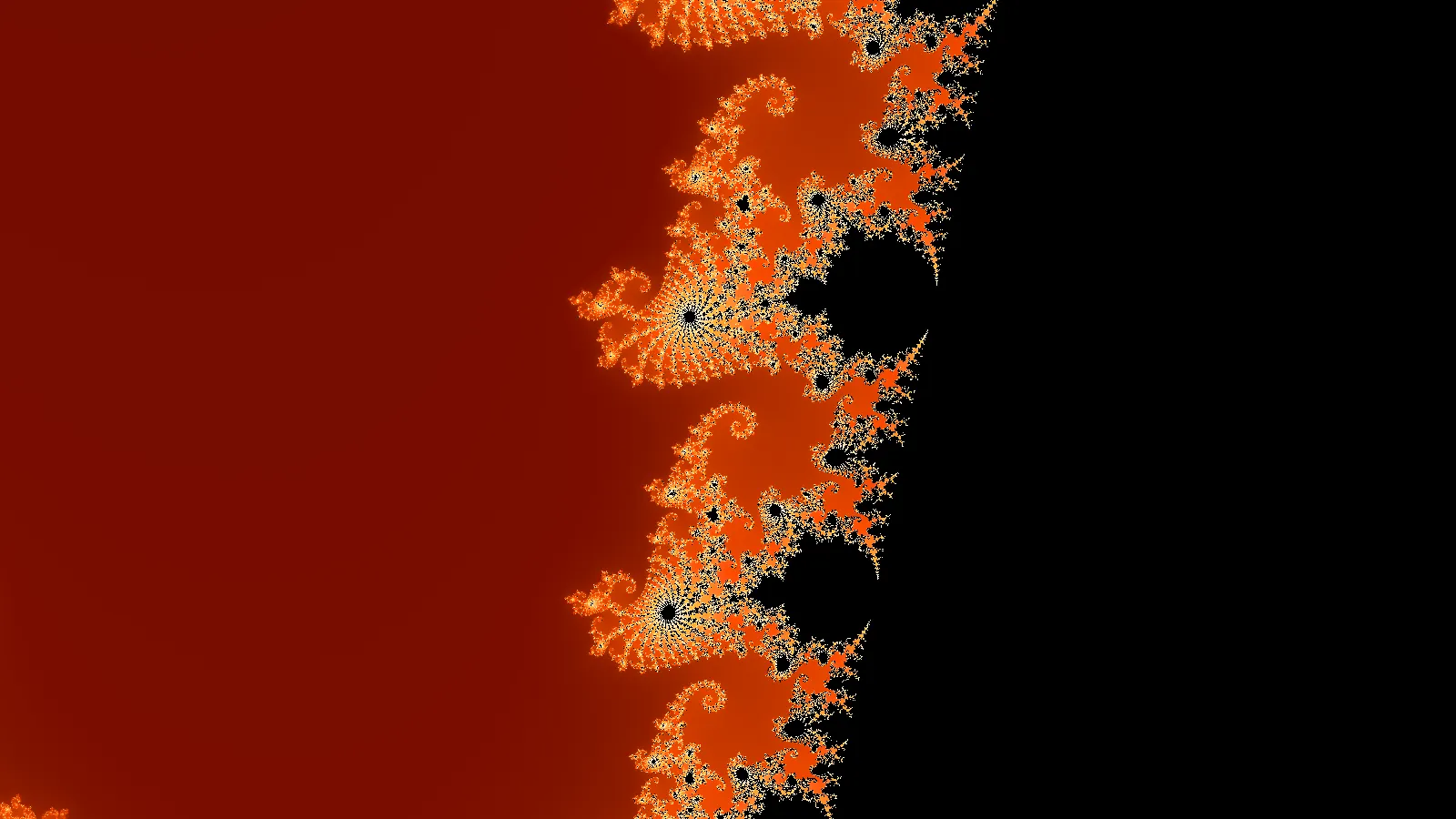
Fractal art is artwork made by rendering fractals: shapes produced by repeating a mathematical rule until detail appears at every scale. A computer does the calculating. A person decides everything else, including which formula to use, where to look inside it, how to color it, and how to finish it.
The results range from the familiar Mandelbrot spirals of 1980s posters to mandalas, line drawings, dithered prints, looping animations, and carved wood reliefs. This page explains how a fractal artwork gets made, shows a small gallery of examples you can open and edit, and covers how to take one from the screen to a print, a loop, or a physical piece.
A short history of fractal art
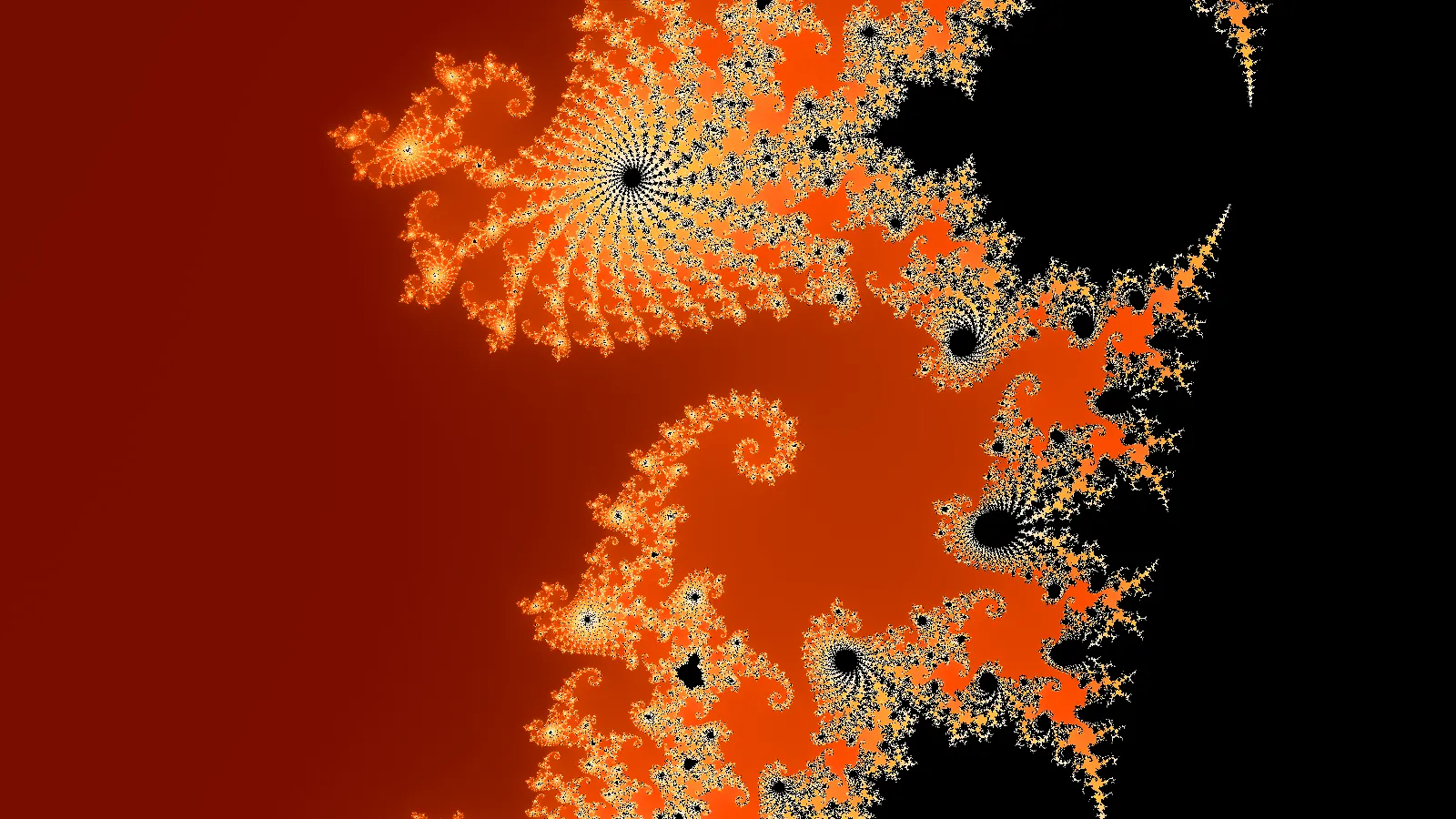
Fractal images became possible once computers were fast enough to run a rule millions of times. After Benoit Mandelbrot coined the word fractal in 1975 and published The Fractal Geometry of Nature in 1982, pictures of the Mandelbrot set started to spread. A. K. Dewdney's column in the August 1985 issue of Scientific American showed readers how to program it themselves, and many did.
Software followed. Fractint (1988) was free and fast enough for home computers. Scott Draves introduced fractal flames in 1992, which later powered Apophysis and Electric Sheep. Ultra Fractal gave artists layers, custom formulas, and gradient editors, and popularized the split between formula, coloring method, and gradient that many fractal tools still use. In 2009 Daniel White and Paul Nylander found the Mandelbulb, a 3D analogue of the Mandelbrot set, which started a wave of 3D fractal art.
Fractal painting is a separate thread. In 1999 physicist Richard Taylor published an analysis claiming that Jackson Pollock's drip paintings have measurable fractal dimension. Other researchers have disputed how reliable that measurement is, and the debate is still open. It does show why people find fractal structure appealing: it sits between order and noise.
If you are new to the math, What Are Fractals? covers self-similarity, iteration, and fractal dimension in plain terms.
How a fractal artwork is made
Most fractal art tools, including this one, split an image into independent layers of decision. Change one without touching the others.
- Source. The formula or field that supplies structure. The Mandelbrot set and Julia sets are escape-time fractals. Other sources produce geometric fields such as rings, rays, polygons, quasicrystal waves, and multigrids.
- View. Where you look and how closely. The Mandelbrot boundary alone has more distinct views than anyone could ever visit, and choosing one is the most personal decision in the process.
- Transforms. Operations that bend the plane before the source is calculated: kaleidoscope mirrors, log-spiral warps, spiral tilings, hyperbolic folds, ripples, and inversions. They add symmetry and structure the formula does not have on its own.
- Coloring. How the calculation becomes a number to color: smooth escape time, distance to the boundary, or distance to an orbit trap.
- Gradient. The palette that turns that number into color, plus its density and rotation.
- Finish. Post-processing such as dithering, pixelation, grain, and RGB split.
- Motion. Optional loop tracks for seamless animation.
The Studio treats all seven as separate controls, and the share URL records every one. That makes a piece reproducible, which matters when you want to come back and render it larger later.
Color is half the artwork
The same fractal can look like a completely different piece with a different gradient. In the comparison below, the Julia set, view, and coloring are identical. Only the palette changes.
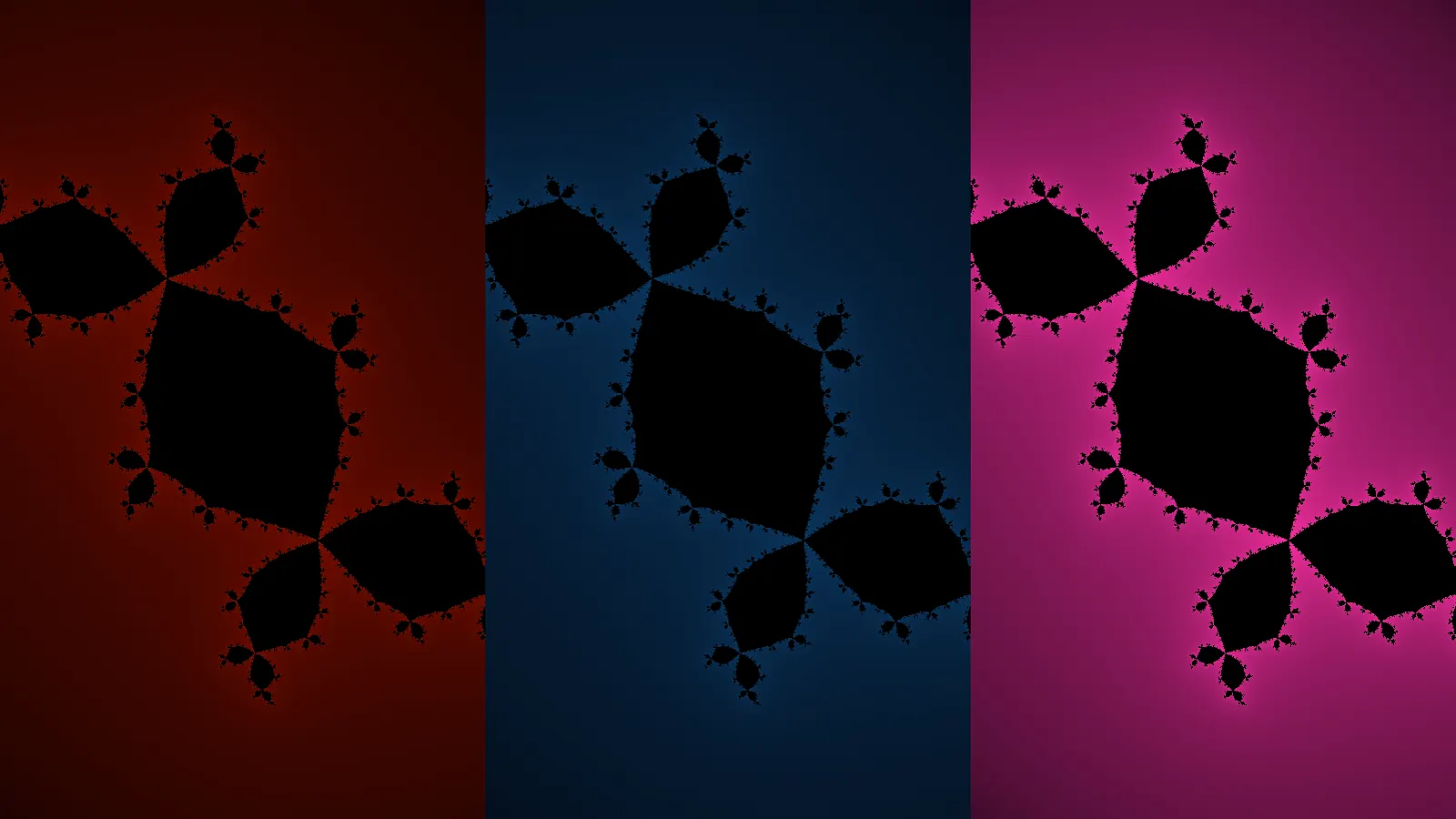
A few things that help when choosing a gradient:
- Density controls how many times the palette repeats across the image. Low density gives broad, calm bands. High density gives fine contour lines.
- Interior color is separate from the gradient. A pure black interior gives strong silhouettes. A dark tint of the palette feels softer.
- Fewer colors usually read better at a distance. Two or three hues with a light and a dark end tend to print well.
Orbit traps and distance estimation
Escape-time coloring records how fast each point leaves. Two other coloring methods read different information from the same calculation, and both are common in fractal art.
An orbit trap tracks how close each point's path comes to a shape such as a ring or a cross. Points whose orbits pass near the trap light up, which draws repeated rings, petals, and loops across the whole fractal.
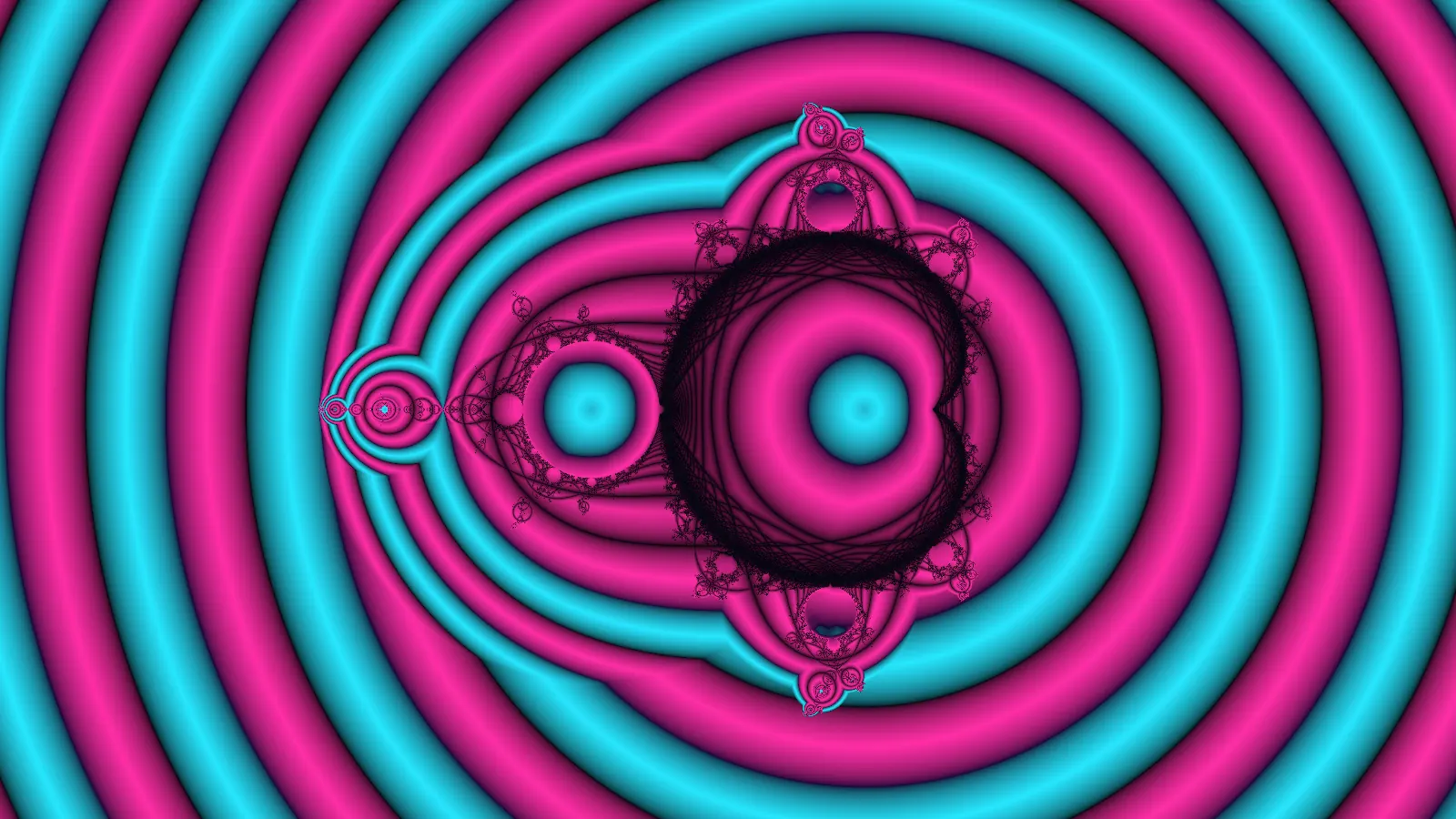
Distance estimation approximates how far each point is from the fractal's boundary. With a simple two-tone gradient, it turns the Mandelbrot set into something close to a pen drawing, with every filament drawn at an even weight.
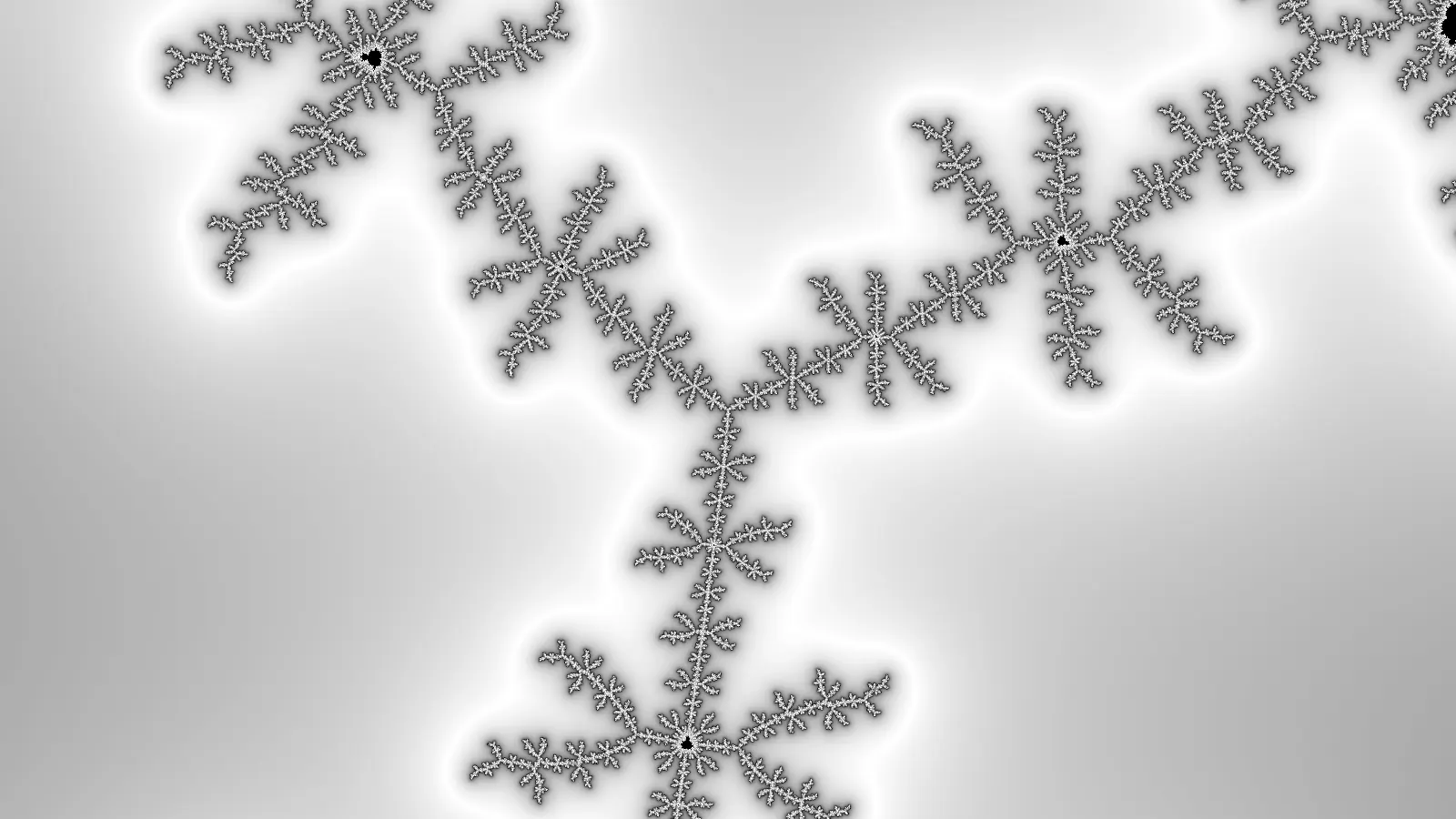
Symmetry: fractal mandalas and kaleidoscopes
Fractal geometry art often combines a fractal with mirror symmetry. A kaleidoscope transform folds the plane into wedges before the fractal is calculated, so every wedge shows the same slice of the fractal, mirrored. The edges keep the fractal's detail, so zooming in still reveals new structure.
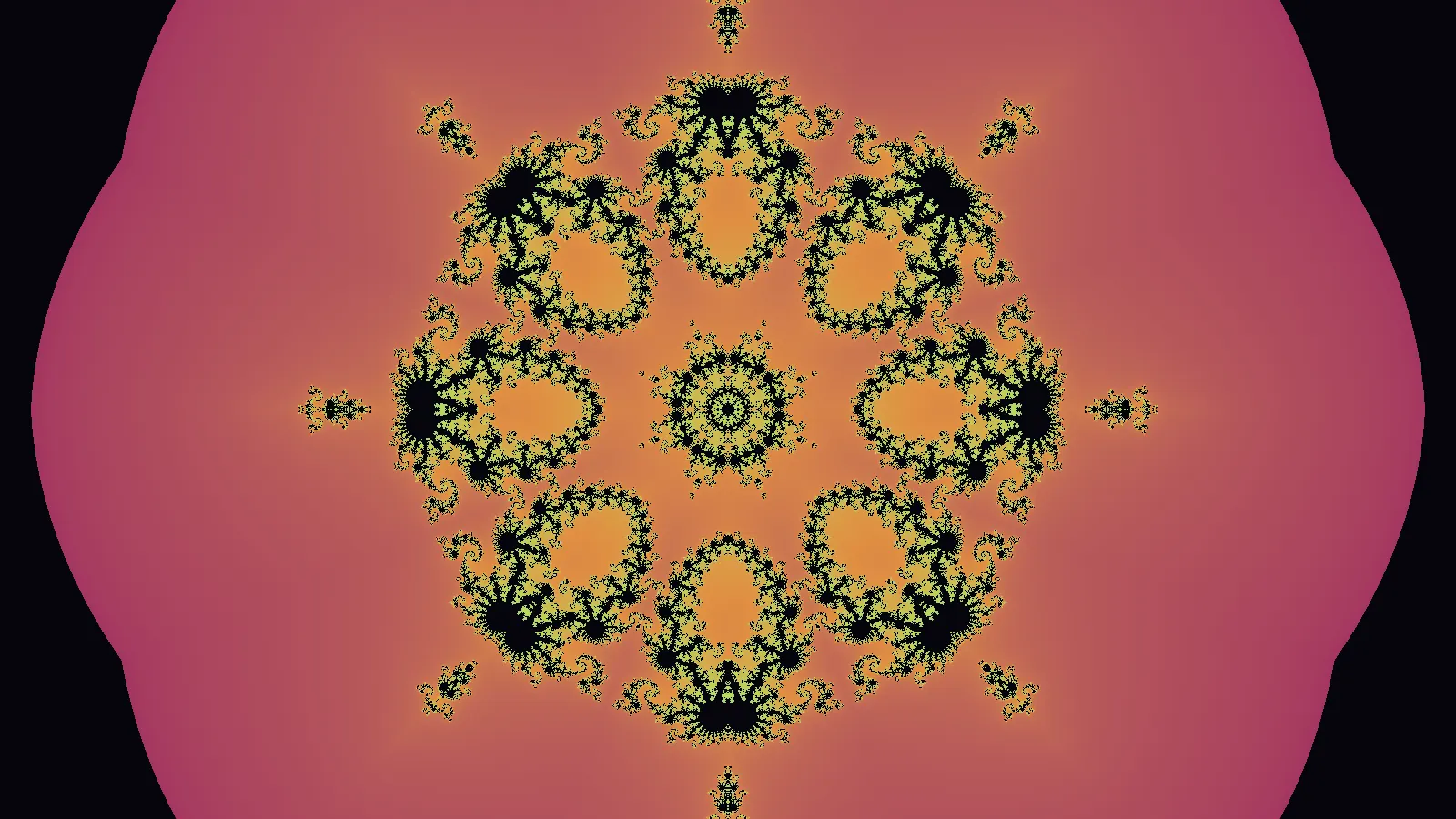
The number of segments changes the character a lot. Six and eight read as mandalas and snowflakes. Odd numbers such as five or seven feel more like flowers. Two gives a simple mirrored image that can work well for portrait prints.
Tilings, spirals, and print textures
Fractal-style art does not have to start from an escape-time formula. A log-spiral tiling is exactly self-similar under zoom, so it makes an endless tunnel that loops cleanly. Finish effects then push it toward a particular medium.
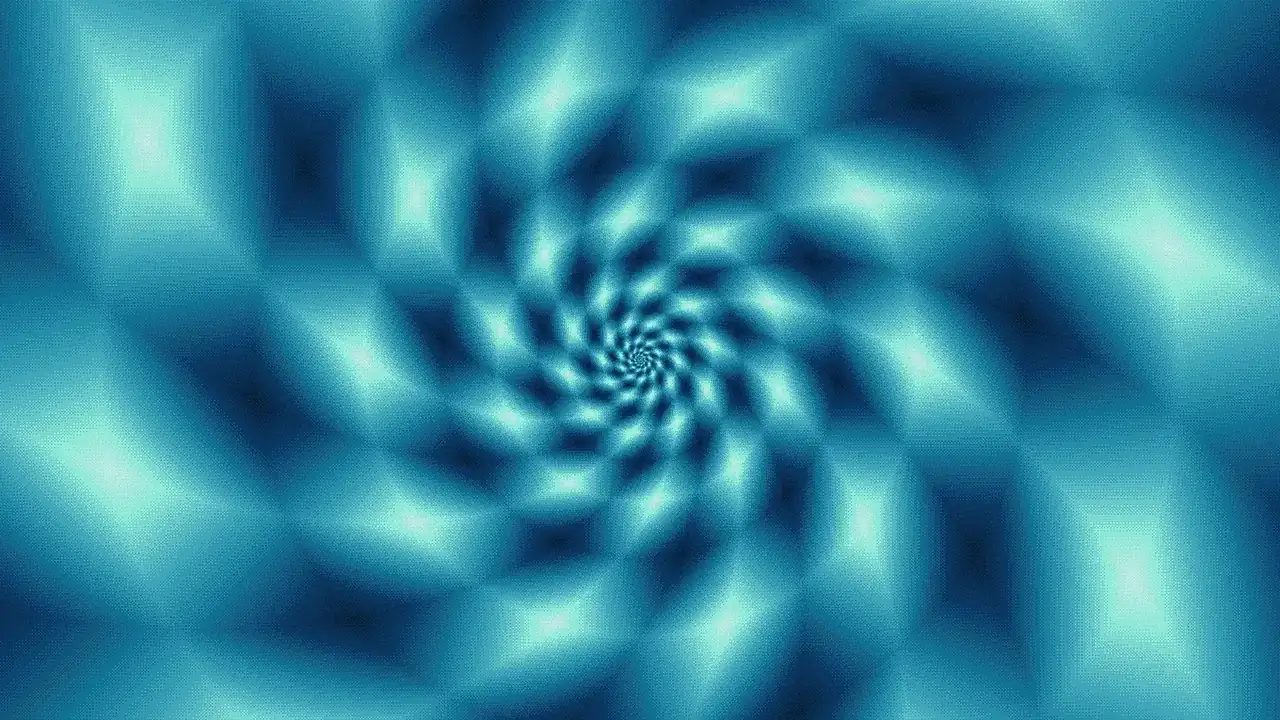
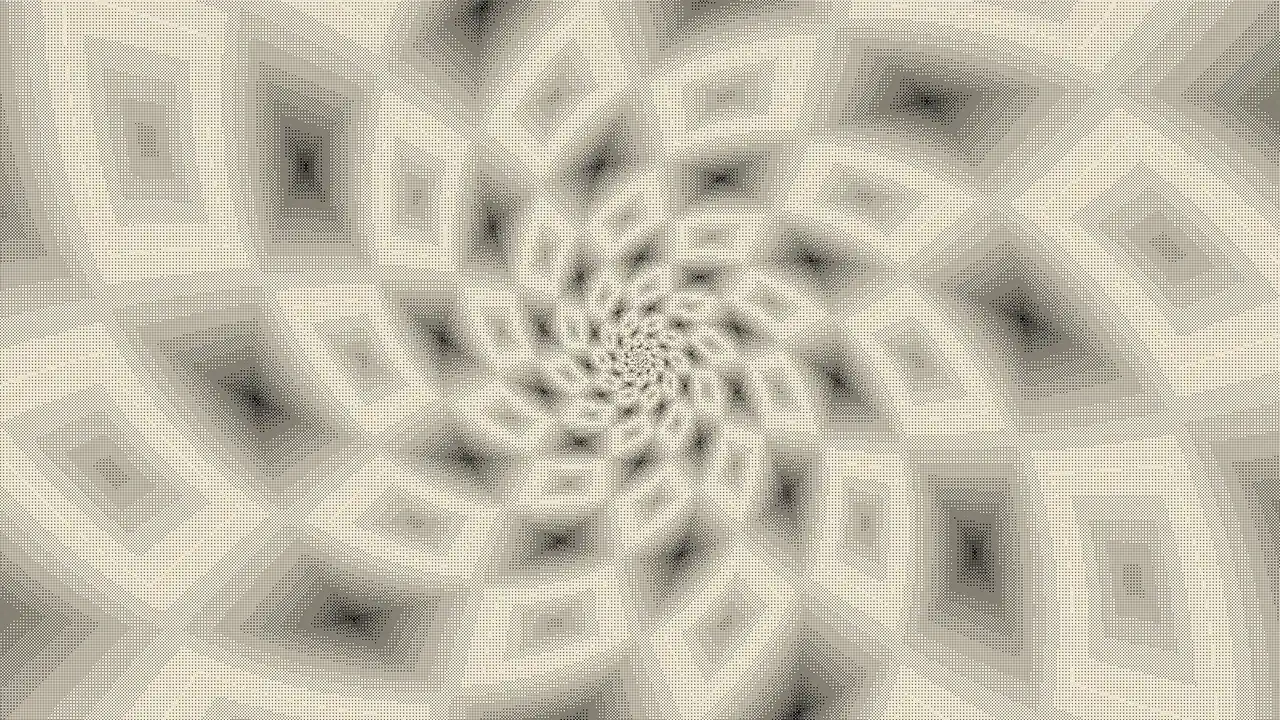
The ink version uses ordered dithering to fake two-color printing. The ordered dithering guide explains the Bayer and blue-noise masks behind that texture, and the pixel-art filter guide covers the chunky low-resolution look. For more ready-made scenes to start from, browse the cool fractals gallery.
From screen to print, loop, and relief
A fractal artwork is calculated, so it can be rendered again at any size and stay sharp. The Studio exports it several ways.
Still images and prints. PNG export covers screen sizes, 4K and 8K, phone and desktop wallpapers, and print sizes at 300 DPI from 8 × 10 up to 24 × 36 inches. A 24 × 36 inch print at 300 DPI is 7200 × 10800 pixels. Large renders are split into tiles behind the scenes, and 2× or 3× supersampling smooths thin filaments and dither patterns before downscaling.
Seamless loops. Any scene with loop tracks exports as an MP4 that ends exactly where it began, which suits social posts, screens, and projection.
CNC and laser relief. Every fractal in the Studio is a number per pixel before it is colored, and that number works as a height. The heightmap export turns it into a 16-bit grayscale PNG or an STL mesh, with profiles for ball-nose carving, soft lithophanes, or stepped terraces. The result can be carved in wood on a CNC router, engraved in 3D with a laser, or 3D printed.
Vector output. SVG export traces contour lines along the color bands and tile edges, for laser scoring, layered cut-wood pieces, or pen plotters.
Tips for fractal art that holds up
A few habits make the difference between a screenshot and a piece:
- Find structure before color. Zoom around in a plain gradient until the composition works. Recoloring later is quick.
- Frame deliberately. Treat the view like a photograph. A spiral slightly off center usually beats one dead center.
- Leave some calm space. Areas of flat interior or broad bands give the eye somewhere to rest next to dense filaments.
- Check at the output size. Detail that looks crisp on a phone can turn to noise on a large print. Supersample, or lower the gradient density.
- Save the URL. It stores the whole state, so you can return to a piece and render it again at a different size or in a different format.
Open any example on this page, change one layer at a time, and see how far you can move it from where it started.
Frequently asked
What is fractal art?
Fractal art is artwork made by rendering fractals, usually with a computer. The artist picks a formula, a region to view, the coloring method, the palette, and any transforms or filters. The formula supplies the structure and those choices decide what the finished image looks like.
Who invented fractal art?
No single person. Fractal images spread in the 1980s after Benoit Mandelbrot's work and the Mandelbrot set's appearance in Scientific American in 1985. Programs such as Fractint (1988), Scott Draves's fractal flames (1992), and later Ultra Fractal and Apophysis turned it into an art practice with its own community.
Is fractal art real art if a computer draws it?
The computer does the arithmetic. The person decides the formula, the exact view out of an infinite number of possible views, the colors, the symmetry, the crop, and the output. Two people with the same software rarely make similar pictures, which is a reasonable sign that the choices are doing the artistic work.
How do I make fractal art for free?
Open any example on this page in the Studio. It runs in your browser with no account. Pick a source such as the Mandelbrot or a Julia set, zoom to an area you like, change the gradient, add a transform such as a kaleidoscope, and export a still or a loop.
Can I print fractal art at poster size?
Yes. Fractals are calculated, so they can be rendered at any resolution without losing sharpness. The Studio's still export includes 300 DPI print sizes up to 24 × 36 inches, which is 7200 × 10800 pixels, with optional supersampling for fine filaments.
What is 3D fractal art?
3D fractal art renders fractals in three dimensions, most famously the Mandelbulb, found in 2009 by Daniel White and Paul Nylander. The Studio works in 2D, but its heightmap export turns any 2D fractal into a relief surface for CNC carving, laser engraving, or 3D printing.
Studio dispatches
New work, new writing — straight to you
Occasional letters from the studio. No spam, unsubscribe anytime.