 PARDESCO
Fractals & coloring
A Free Ultra Fractal Alternative in Your Browser
Ultra Fractal is the standard desktop app for fractal art. This page compares it with a free browser tool that borrows its formula, transform, and gradient model, including the places where Ultra Fractal is still the better choice.
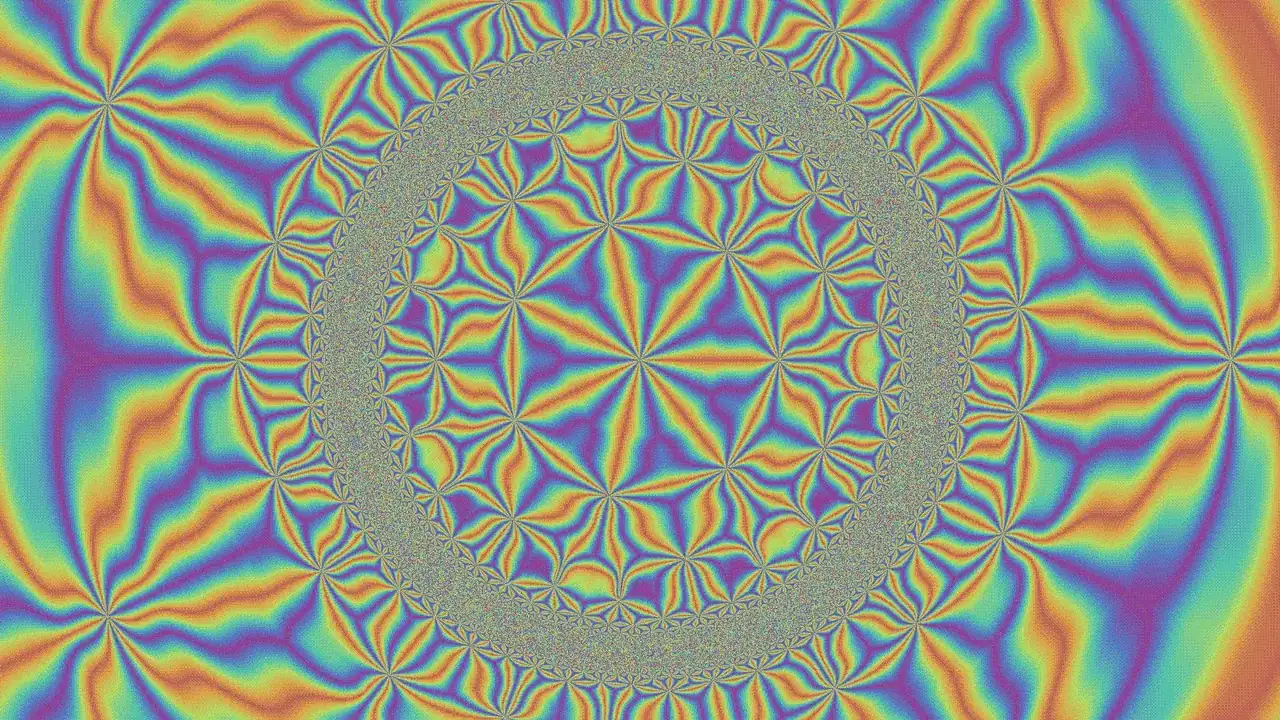
Ultra Fractal has been the reference program for fractal art for a long time. It runs on Windows and macOS, it is sold as a paid license, and its current major version is Ultra Fractal 6. Its central idea is that a fractal image has independent parts: a formula, transformations applied to the plane, a coloring algorithm, and a gradient, with layers stacked and blended on top.
Fractal Zoom Studio, the free tool behind these guides, was built on that same separation. It runs in a browser tab, needs no install or license, and aims at a narrower job: geometric patterns and tilings, seamless loop video, and output for print, CNC, and laser work. This page covers what carries over from Ultra Fractal, what doesn't, and when each one fits.
◆ Open in StudioOpen Ray Vortex, a two-layer transform stackAngular rays, then ripples, then a {7,3} hyperbolic fold. Toggle each layer under Operators to see what it adds.The shared model: formula, transforms, coloring, gradient
Anyone coming from Ultra Fractal will recognize the structure of the Effects panel:
- Source (the formula). Mandelbrot, Julia, and several geometric fields: linear bands, rings, angular rays, polygon distance, a quasicrystal wave field, and a de Bruijn multigrid.
- Operators (transformations). Up to eight layers applied to the plane in order before the formula runs: Kaleidoscope, Spiral Warp, Twist, Mirror, Inverse, Ripples, Rotate/Scale, Hyperbolic Tiling, Log Spiral Tiling, and Penrose Substitution. Each layer can be toggled and reordered.
- Coloring. Smooth bands, a distance-estimation field, and ring and cross orbit traps.
- Gradient. Draggable color stops, density, rotation, and a separate interior color. Changing the gradient never recalculates the fractal, so recoloring is instant.
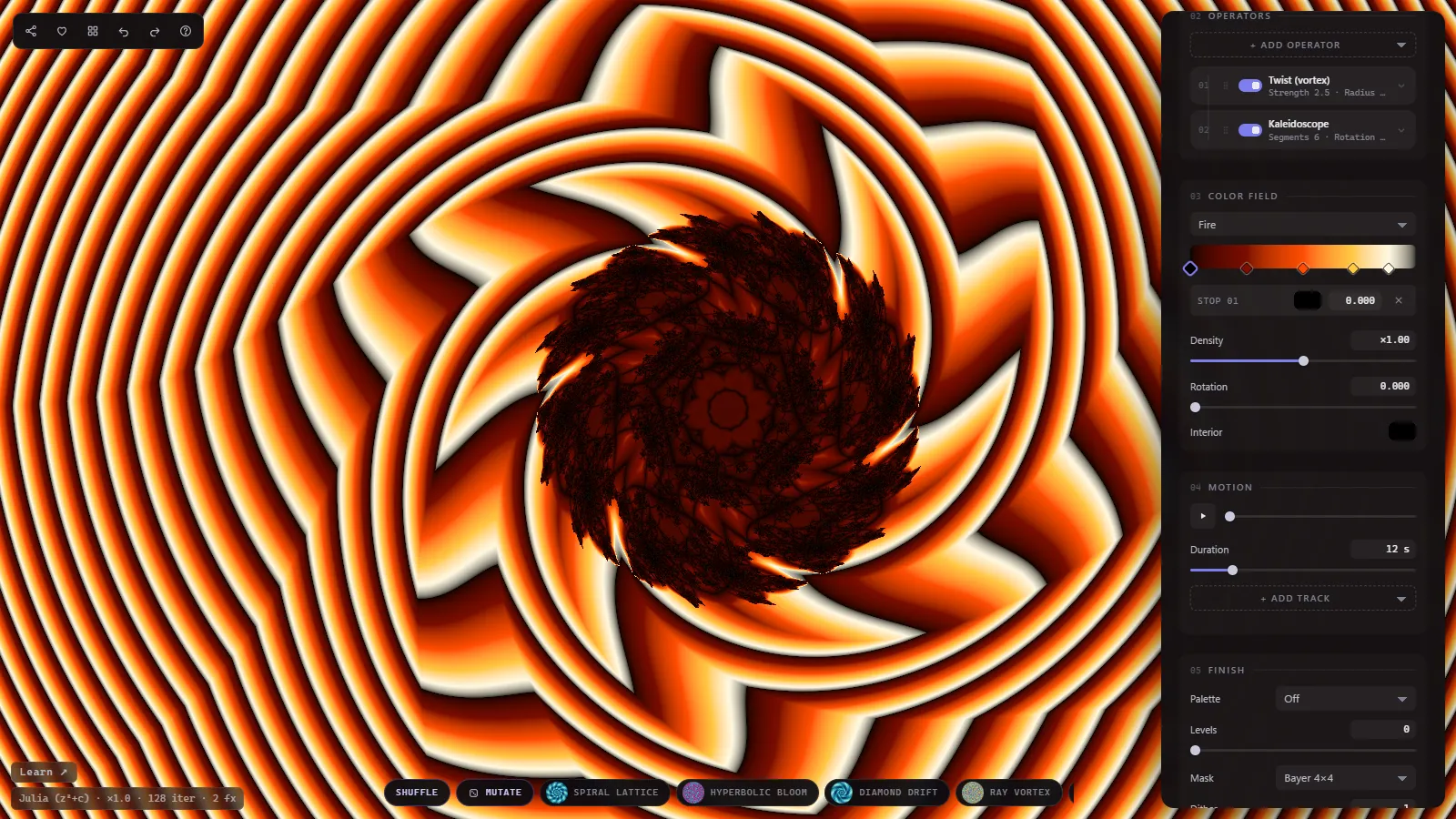
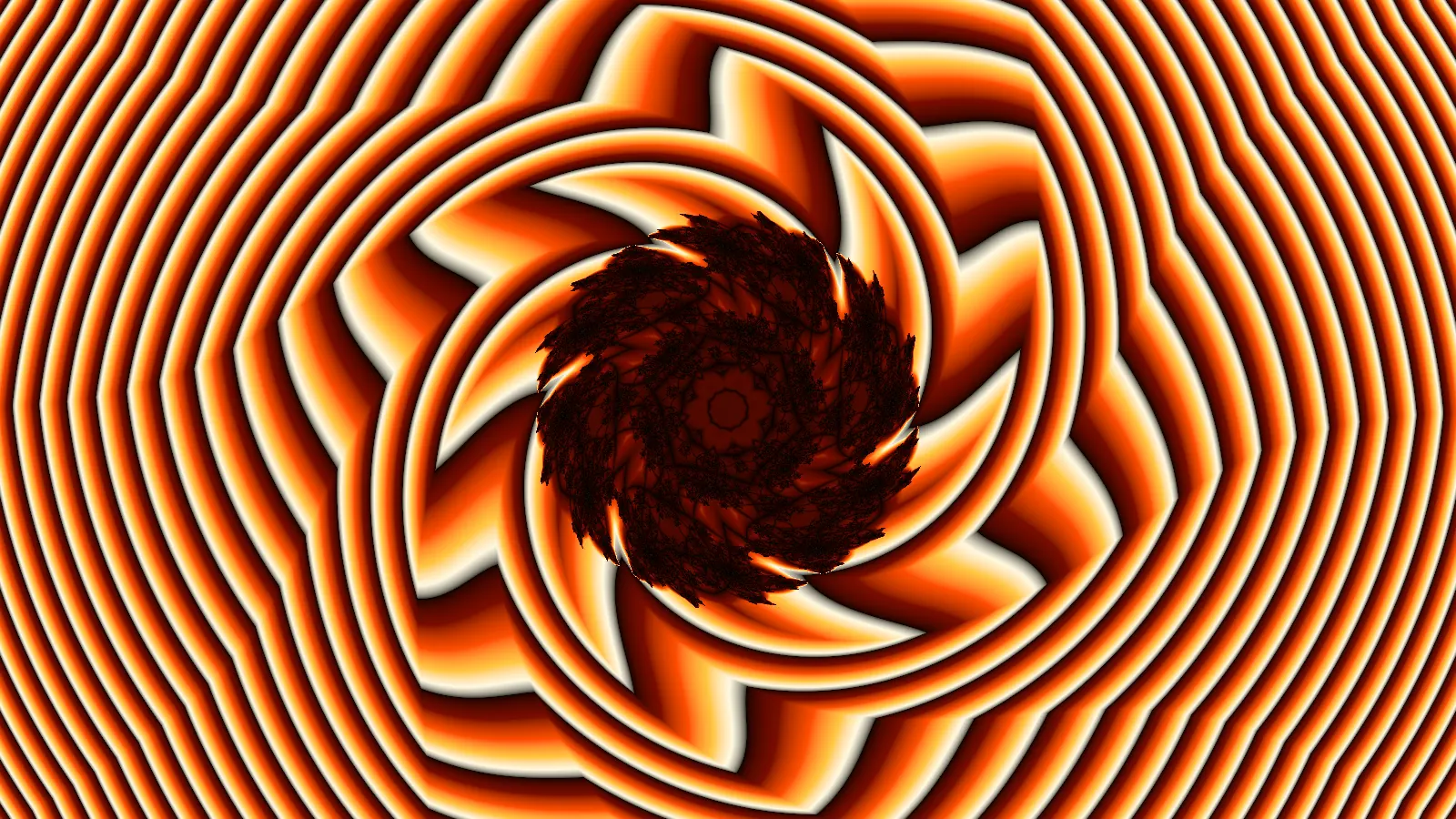
The main difference is what "layer" means. In Ultra Fractal a layer is a full fractal image with its own formula and coloring, blended with the others through merge modes and masks. Here there is one source per scene, and the layers are transforms stacked on its coordinates. That covers a lot of Ultra Fractal-style composition, such as a twisted, kaleidoscoped Julia set with trap coloring, but it cannot blend two different fractals into one image.
Side-by-side comparison
| Ultra Fractal 6 | Fractal Zoom Studio | |
|---|---|---|
| Price | Paid license (watermarked evaluation copy) | Free |
| Platform | Windows and macOS desktop app | Any browser with WebGL2, no install |
| Formulas | Many built in, plus thousands in the online formula database | 18 built-in sources (fractals, curves, tilings, patterns) |
| Custom formulas | Yes, in its own formula language | No |
| Image layers | Yes, with masks, groups, and merge modes | No, one source per scene |
| Plane transformations | Yes, from built-ins and the formula database | 16 types incl. 17 wallpaper groups, up to 8 stacked |
| Coloring algorithms | Many, plus user-written ones | Smooth, distance field, 2 orbit traps, stripe average, triangle inequality, tile edges |
| Gradient editing | Yes, very detailed | Stops, density, rotation, interior color |
| Deep zoom | Effectively unlimited, with perturbation speed-ups | Limited to about 10^4 to 10^5x (single precision) |
| Animation | Any parameter, any length and frame rate | Loop tracks that always close seamlessly |
| Tilings (Penrose, hyperbolic, spiral) | Possible through community formulas | Built in |
| Still export | Yes, very large renders | PNG up to 8K and 300 DPI print sizes |
| CNC / laser output | No built-in heightmap or vector export | 16-bit heightmap, STL, SVG contours |
| Sharing a scene | Parameter files | The URL holds the full state |
Where Ultra Fractal is still the better tool
Be clear about this before switching. Ultra Fractal is the stronger program for several kinds of work:
- Deep zooms. It uses arbitrary precision, and version 6 added perturbation calculations that bring renders which used to take hours down to minutes. The browser tool calculates on the GPU in single precision. Escape-time fractals start to break into blocks at roughly 10,000x to 100,000x magnification, well short of the zooms people post from desktop software.
- Formula variety. Ultra Fractal ships with a large formula set and connects to an online database of thousands of formulas and coloring algorithms from its users. You can also write your own. The browser tool has a fixed list.
- Layered compositing. Masks, merge modes, and many stacked fractals are how a lot of Ultra Fractal art is made. There is no equivalent here.
- Free-form animation. Ultra Fractal animates any parameter along any path for any length. The loop engine here is intentionally narrower (see below).
The distance-field demo shows the zoom limit directly. It opens on Seahorse Valley with distance-estimation coloring, which stays crisp across a wide range of zoom. Keep scrolling in and the filaments eventually turn into blocks. That is the single-precision floor.
◆ Open in StudioOpen Seahorse Valley with distance-field coloringDistance estimation keeps thin filaments sharp. Scroll in to find where precision runs out.For more on why distance estimation produces those sharp filaments, see The Mandelbrot Set, Explained Visually.
Where the browser tool fits better
No install, no license, any device. A link opens the exact scene, including source, transforms, colors, and animation. That makes it easy to send a design to someone else, or to use on a Linux machine or Chromebook where Ultra Fractal doesn't run.
Patterns and tilings are built in. Penrose substitution, hyperbolic {p,q} tilings, log spiral (Droste-style) tilings, quasicrystal interference, and multigrid webs are one click each. In Ultra Fractal these are possible, but they depend on finding and learning the right community formulas. See the Penrose tiling guide and the cool fractals gallery for examples.
Loops that close by construction. Each animation track runs a whole number of cycles per loop: rotations make full turns, gradients flow one full period, and scalar values swing out and back on a sine curve. The last frame therefore matches the first without keyframe tweaking, and the MP4 export repeats cleanly on social feeds and screens.
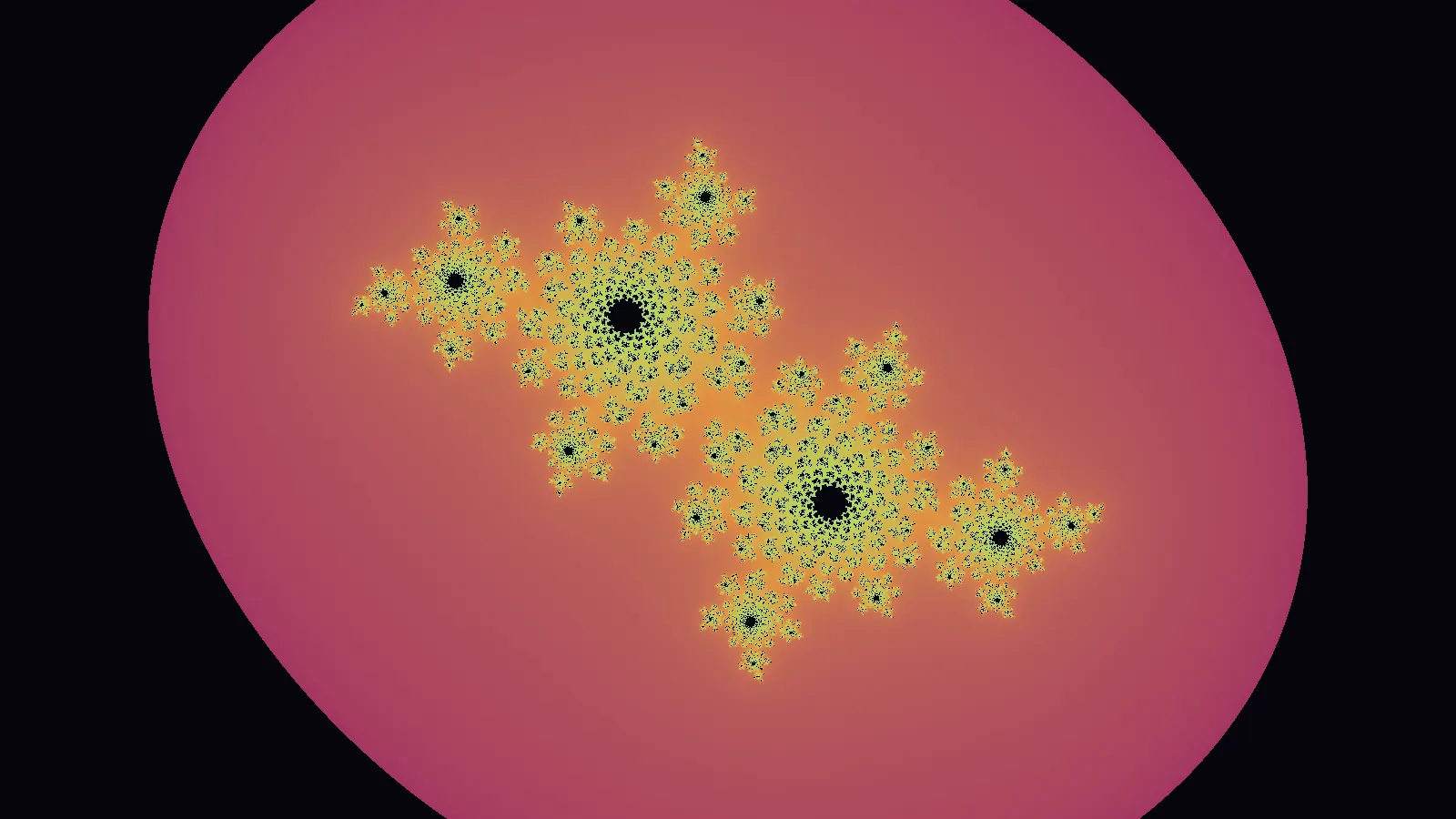
Output for making things. Along with MP4 loops, the export options cover:
- Still PNG up to 8K, plus 300 DPI print sizes for wall art. The image is rendered again at full size rather than enlarged from the screen.
- Heightmaps as 16-bit grayscale PNG, and STL meshes, for CNC relief carving, 3D laser engraving, and 3D printing. The height comes from the fractal's own value at each pixel, not from the brightness of the colors.
- SVG contours that trace the color bands as vector paths for laser scoring or a pen plotter.
Finish effects. Ordered dithering, palette reduction, pixelation, grain, and RGB split run as a final pass. They're covered in the guides to ordered dithering and pixel-art filters.
Which one should you use?
Use Ultra Fractal if you want deep zooms, write or collect formulas, or build images from many blended layers. It remains the more capable program, and the evaluation version lets you try all of it before paying.
Use the browser tool if you want geometric fractal patterns, kaleidoscopes, and tilings, a seamless loop for video, or a print, heightmap, or cut file, and you would rather not install anything. Plenty of people will use both: Ultra Fractal for deep exploration, and the browser for pattern design and output.
A good first step is the fractal kaleidoscope guide, which walks through one transform in detail, or the Julia set guide for the escape-time side.
Frequently asked
Is there a free alternative to Ultra Fractal?
Yes, with trade-offs. Fractal Zoom Studio is free and runs in the browser with the same basic model as Ultra Fractal: a formula, stacked transformations, a coloring algorithm, and an editable gradient. It has far fewer formulas, no user-written formulas, and no deep zoom, so it suits pattern design and loop video better than deep exploration.
Does Ultra Fractal run in a browser or on Linux?
Ultra Fractal is a desktop application for Windows and macOS. It does not run in a browser. The browser tool on this page needs only a current browser with WebGL2, so it also runs on Linux and Chromebooks.
Is Ultra Fractal free?
No. Ultra Fractal is sold as a paid license. Its evaluation version is fully functional, but images rendered or exported from it are marked as coming from an evaluation copy.
How deep can the browser tool zoom compared with Ultra Fractal?
Ultra Fractal zooms to effectively unlimited depth, and version 6 added perturbation calculations that make deep zooms much faster. The browser tool uses single-precision GPU math, so escape-time fractals turn blocky somewhere around 10,000x to 100,000x magnification.
Can I import Ultra Fractal formulas or parameter files?
No. The browser tool has a fixed set of sources, transforms, and coloring modes and cannot read .ufm formula files or Ultra Fractal parameter sets. Scenes are saved as share links: the URL holds the complete state.
What can the browser tool export?
Seamless MP4 loops, still PNGs up to 8K or at 300 DPI print sizes, 16-bit heightmaps and STL meshes for CNC relief carving and 3D printing, and SVG contours for laser scoring or pen plotters.
Studio dispatches
New work, new writing — straight to you
Occasional letters from the studio. No spam, unsubscribe anytime.