 PARDESCO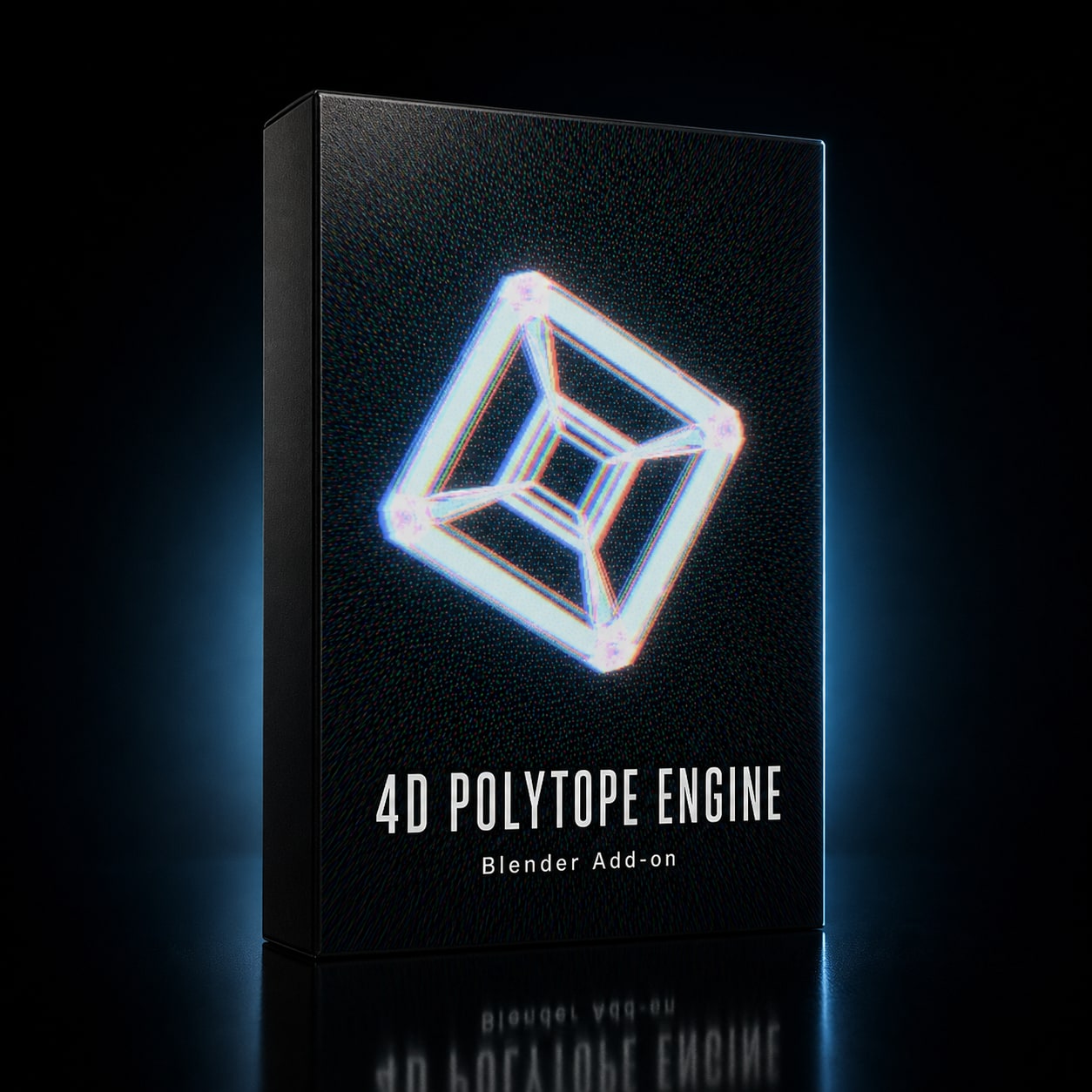
4D Polytope Engine — Blender Add-on
$29.00
Digital download — delivered instantly by email.
Instant delivery · non-refundable once delivered
Four-dimensional geometry, live in your viewport
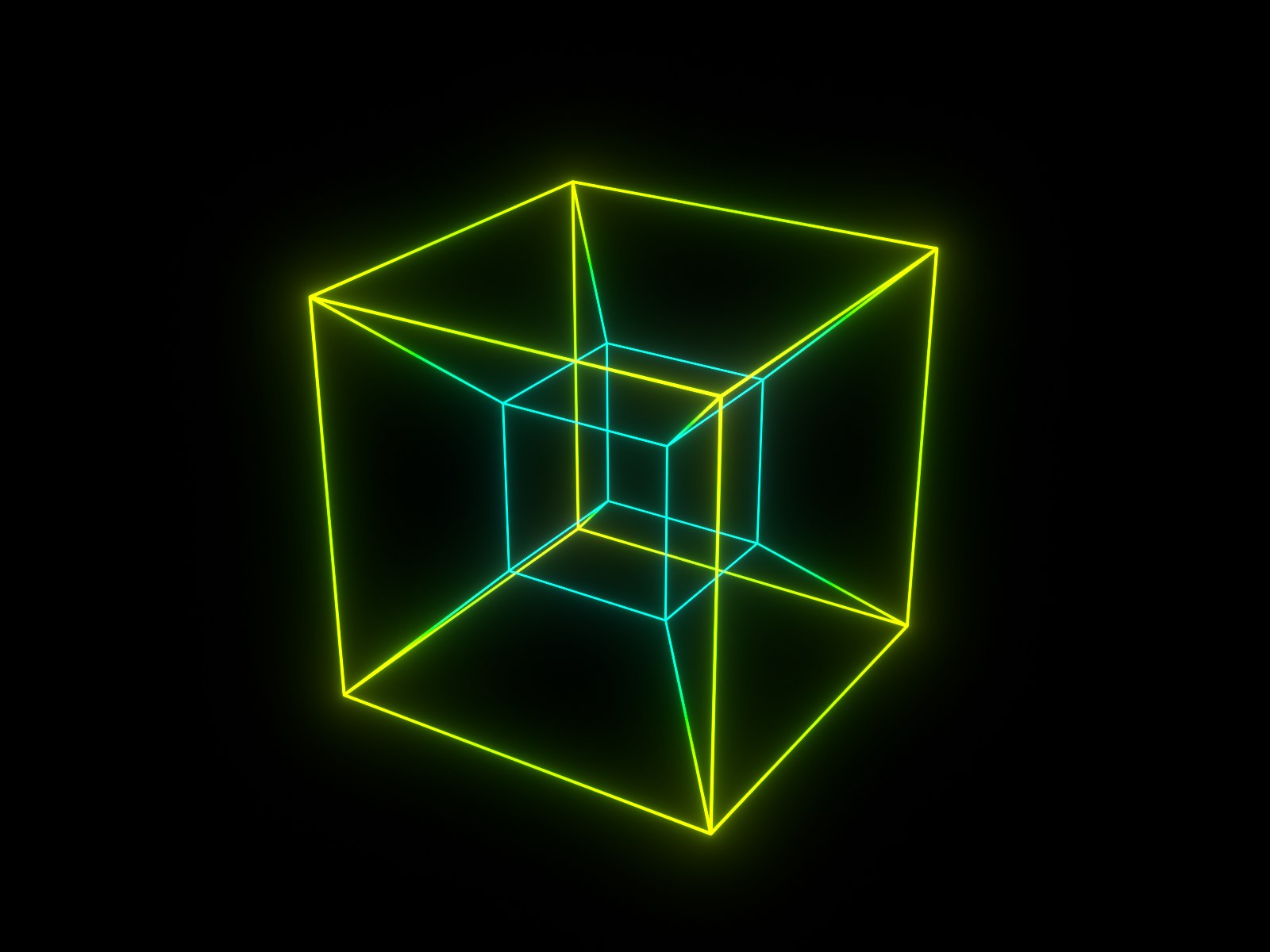
Blender models three dimensions. This add-on gives it a fourth. Spawn a real 4-dimensional polytope, rotate it through the planes that don't exist in our space, and watch its 3D shadow turn itself inside out — live in the viewport, not baked in advance.
What It Does
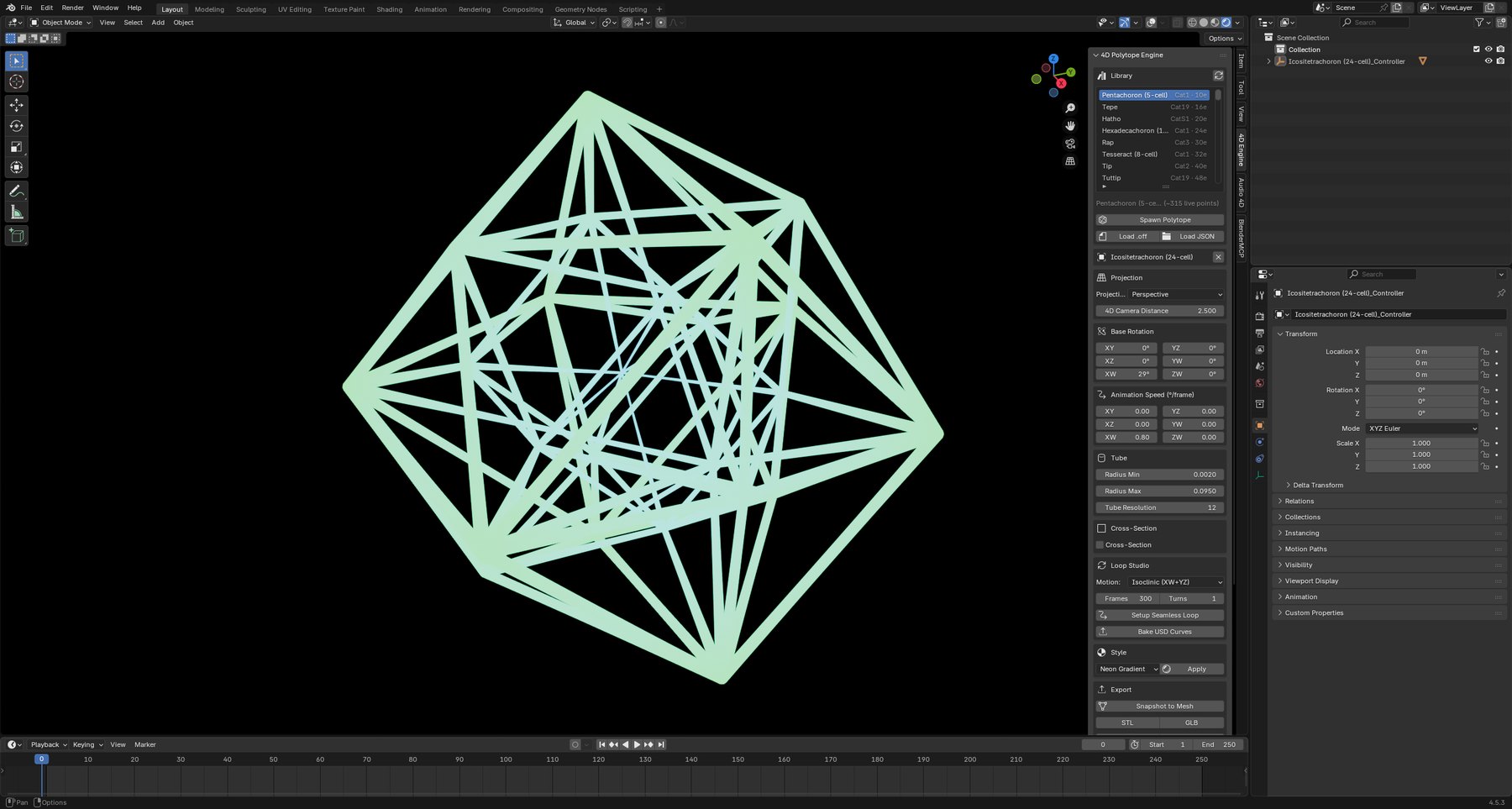
Rotate in the XW, YW and ZW planes — the ones that couple our three dimensions to the fourth — and project down with your choice of stereographic or perspective projection. The inside-out morph is the real thing, computed in 4D, not a 3D animation imitating one.
Slice a 4D solid with a moving hyperplane and watch the 3D cross-section shift as it passes through — a tesseract resolving into an exact cube, a 600-cell blooming into two hundred faces. Combines freely with rotation for a slice that turns as it cuts.
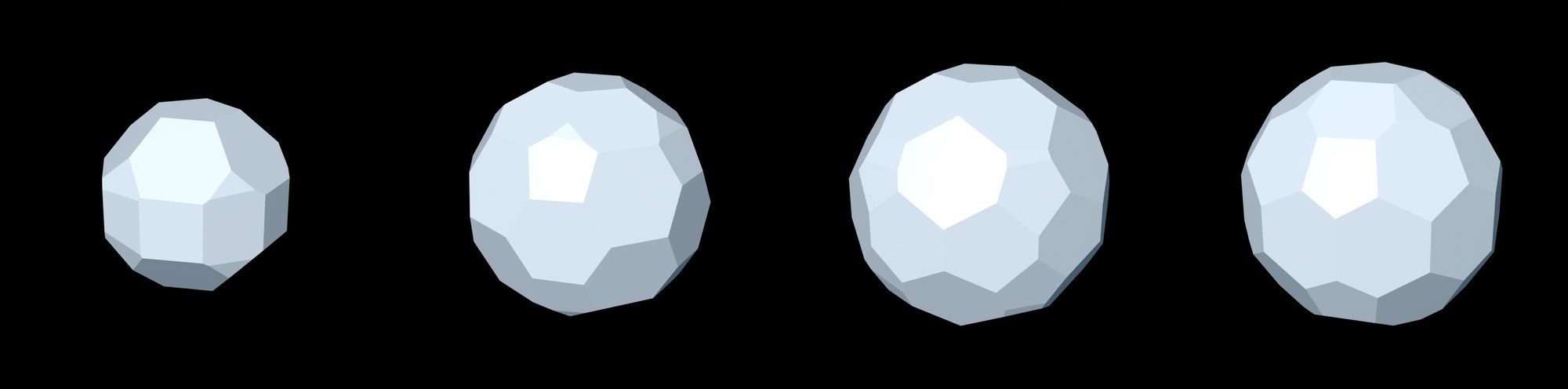
One click sets frame count, turn count and motion preset — isoclinic, simple, double or spin-tumble — so the last frame reproduces the first exactly. Perfect loops for reels and installations, without hand-tuning keyframes.
70 hand-picked polytopes in a searchable browser: every convex regular 4D solid, the regular stars, classic truncates and rectifieds, the grand antiprism, the snub 24-cell and five compounds. Point the add-on at your own folder to load more.
Every polytope carries its own state, so a scene can hold many, each rotating on its own axes at its own speed. Build comparisons, arrays and full compositions.
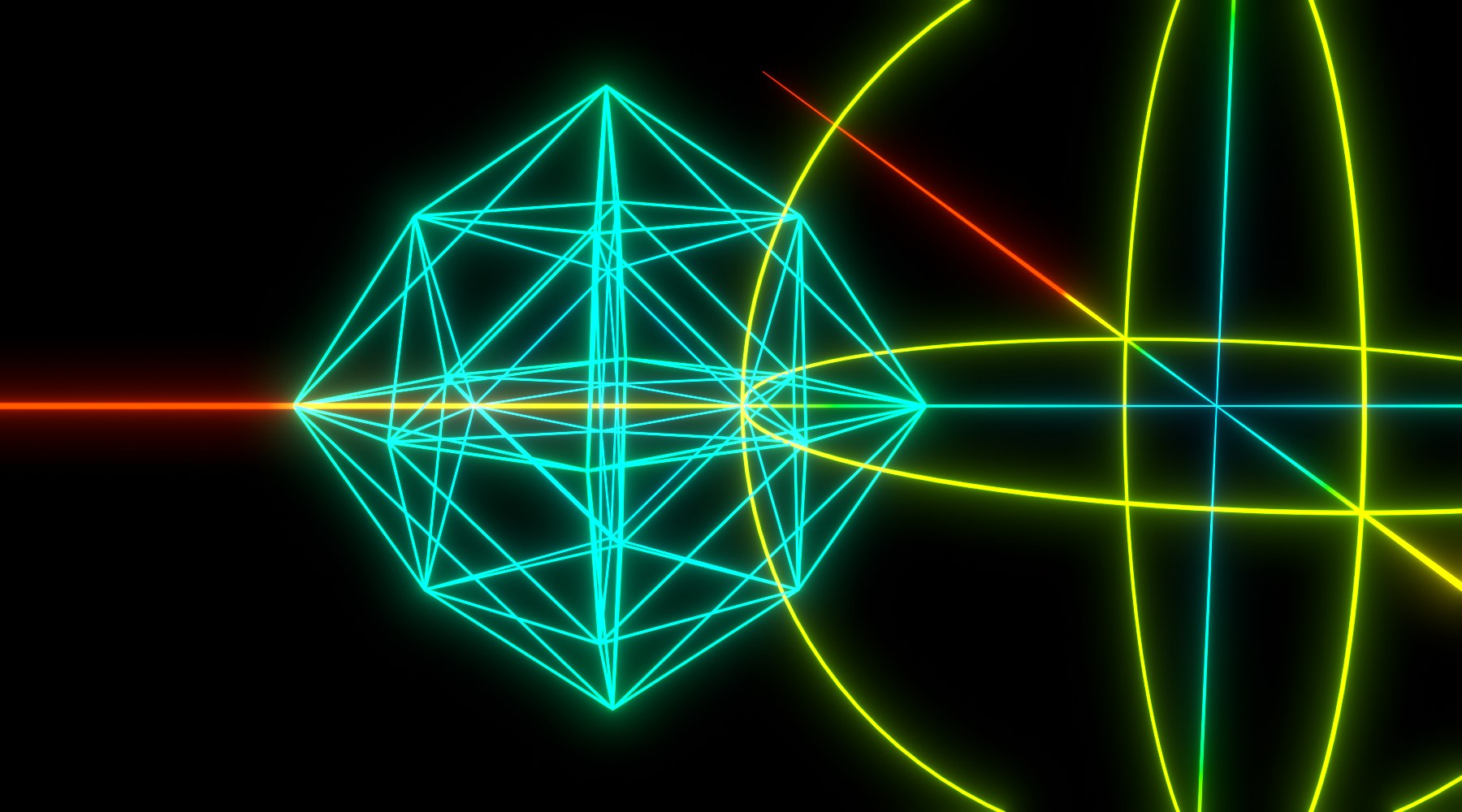
Neon Gradient — glowing tubes, graded radii, black world, bloom — for the look on the box. Wireframe Ink — black strokes on white, uniform width — for print and plotting. Both are one dropdown away.
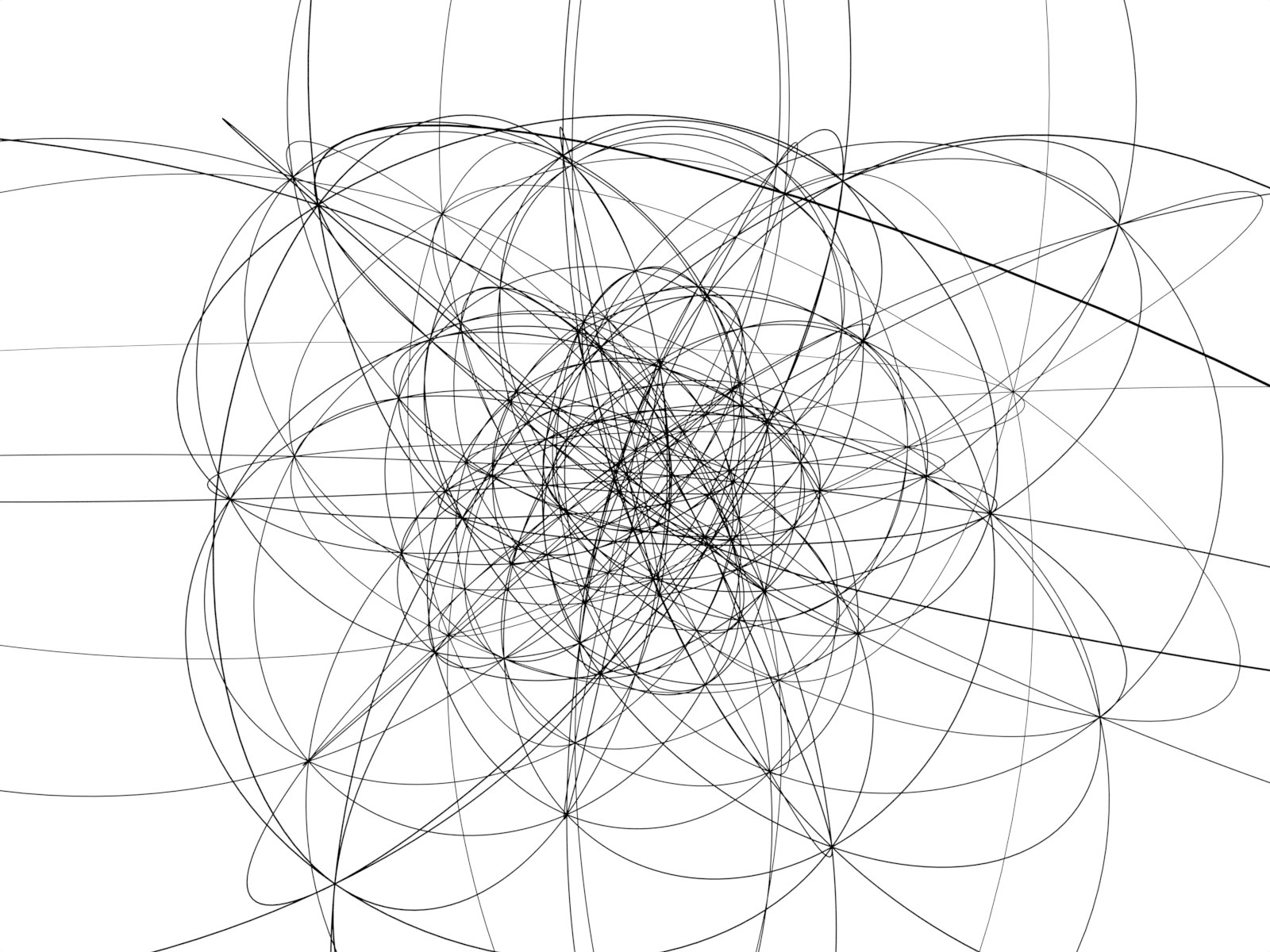
Freeze any frame to a standalone mesh, or send it out as STL or GLB. Bake an animation to USD curves. And export the projected edge skeleton as centerline SVG or DXF R12 — one clean stroke per edge, which is what a pen plotter or a laser actually wants, rather than the doubled outlines a silhouette pass produces.
In the Download
The add-on as a Blender extension zip, a quick-start guide, a feature reference, and four demo .blend files — a neon loop, a 120-cell cross-section sweep, a plotter-ink vector export stage, and a multi-polytope scene — each set up and ready to render.
Requirements
Blender 4.5 or newer, on Windows, macOS or Linux. Tested against 4.5.3 LTS, 5.1.2 and 5.2. No external dependencies, no account, no subscription, and nothing phones home. Install it the way you install any extension.
Built by Pardesco over several years of making 4D work — the same engine behind our own polytope films and sculpture. Sold once, owned outright.